Fast concept ideas
Turn a simple task into a few mechanical directions.
Upload a part model, describe the task, and get concept ideas, risks, and a better starting point.
Good for early automation and fixture concepts.
Turn a simple task into a few mechanical directions.
Show motion, mechanism, parts, and risks in one place.
A better starting point for SolidWorks work.
Not final production CAD. Just a faster first pass.
Import the part.
Describe the job.
Review concept options.
Pick one and move into CAD.
Homepage only shows prepared examples. For your own requirement, open the full free tool.
Read-only case preview.
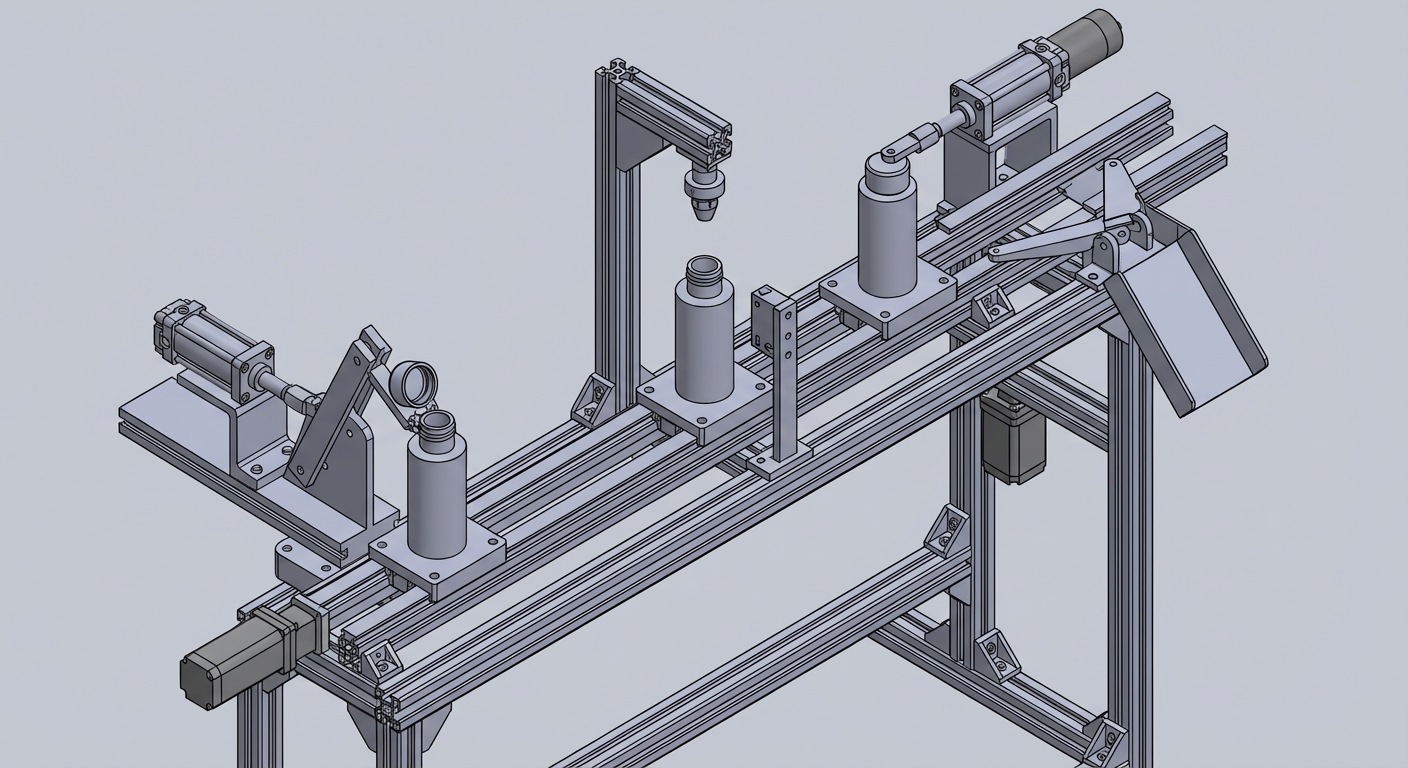
Use a linear transfer or pallet conveyor so parts move through stations in order, which is a simple direction for dwell-type actions.
Mechanism idea: Main parts: linear slide or pallet transfer, guides, process station, simple actuator modules, sensors, and frame.
Why it may fit: Good when you want a layout that is easy to understand, easy to maintain, and easy to discuss in an early design review.
Join the waitlist for updates and early access.
Prefer to talk first? DM me on X